The console: one screen for every agent.
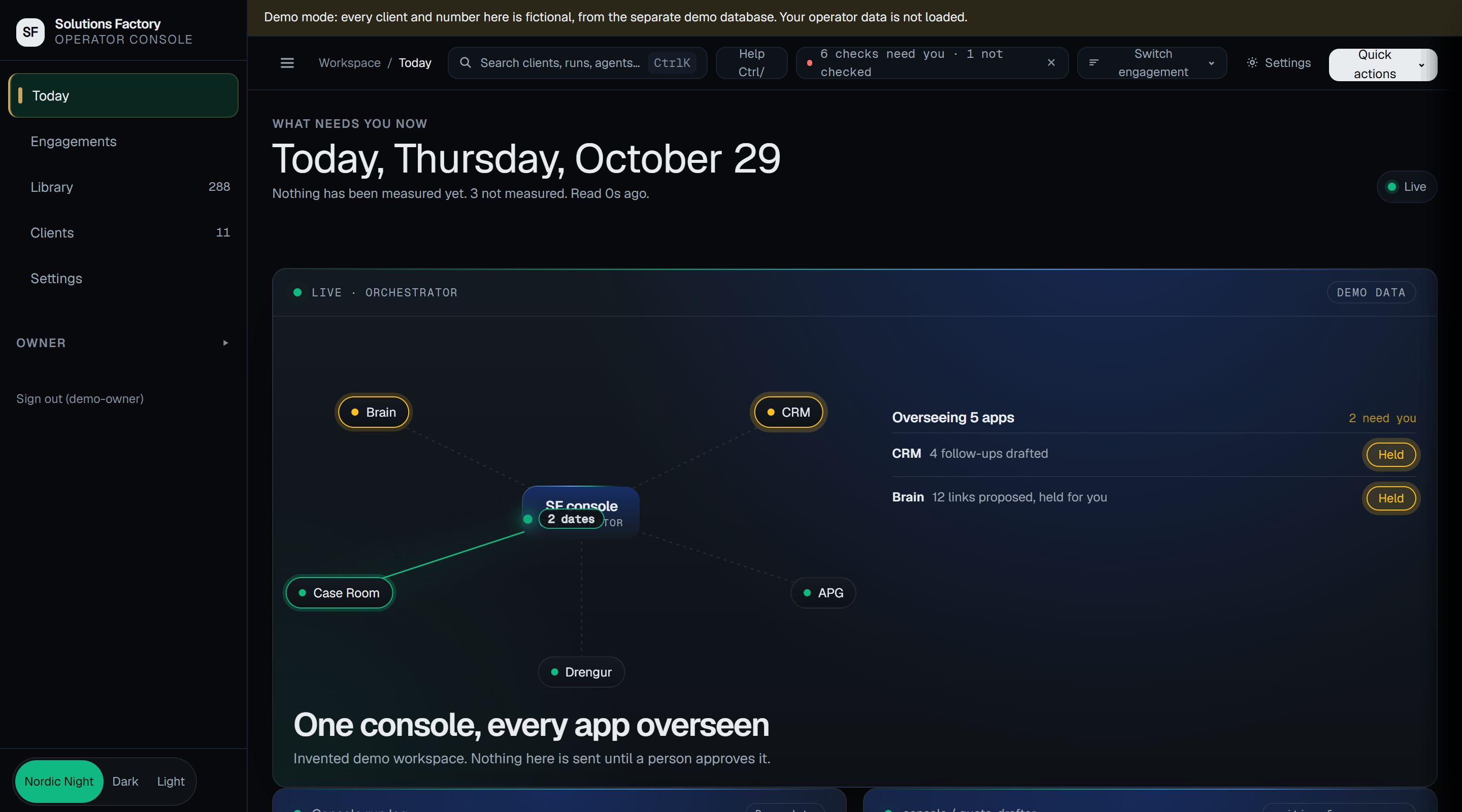
The Solutions Factory console is where the person running the business sees the agents at work, checks what they spent and approves what they drafted. It is how we run our own company.
What you see.
What each agent did
Every run, with its result. A run that failed is shown as failed, and the record says what happened.
What it cost
Spend per agent against its limit. An agent that reaches its limit stops before the cost reaches your bill.
What is waiting for you
Every draft that needs a person: a reply, a payment, a record change. Nothing goes out until you approve it.
Who did what
An audit log of what people and agents did, so you can answer "who changed this" without asking around.
The console home screen
One engagement
Start a client in six steps.
A short wizard takes you from who it is for to a deployed agent. You approve the plan and the deployment, and nothing goes live without you.
- Who it is for
- Pick the client, or add one first.
- What the problem is
- Say the work in plain words. The console turns it into a spec.
- A dry run first
- The agent runs once against invented data before it touches yours.
- You confirm
- Deployment waits for a person.
Done: deployed after your approval
Done- Pick the client
- Describe the problem
- Preview the spec
- Dry run
- Confirm the deployment
- Deployed
How it works.
Step 1
See every client engagement.
Your client engagements sit in one list, from first call to delivery. Open one to see what is running and what waits for you.
Console, engagementsDemo data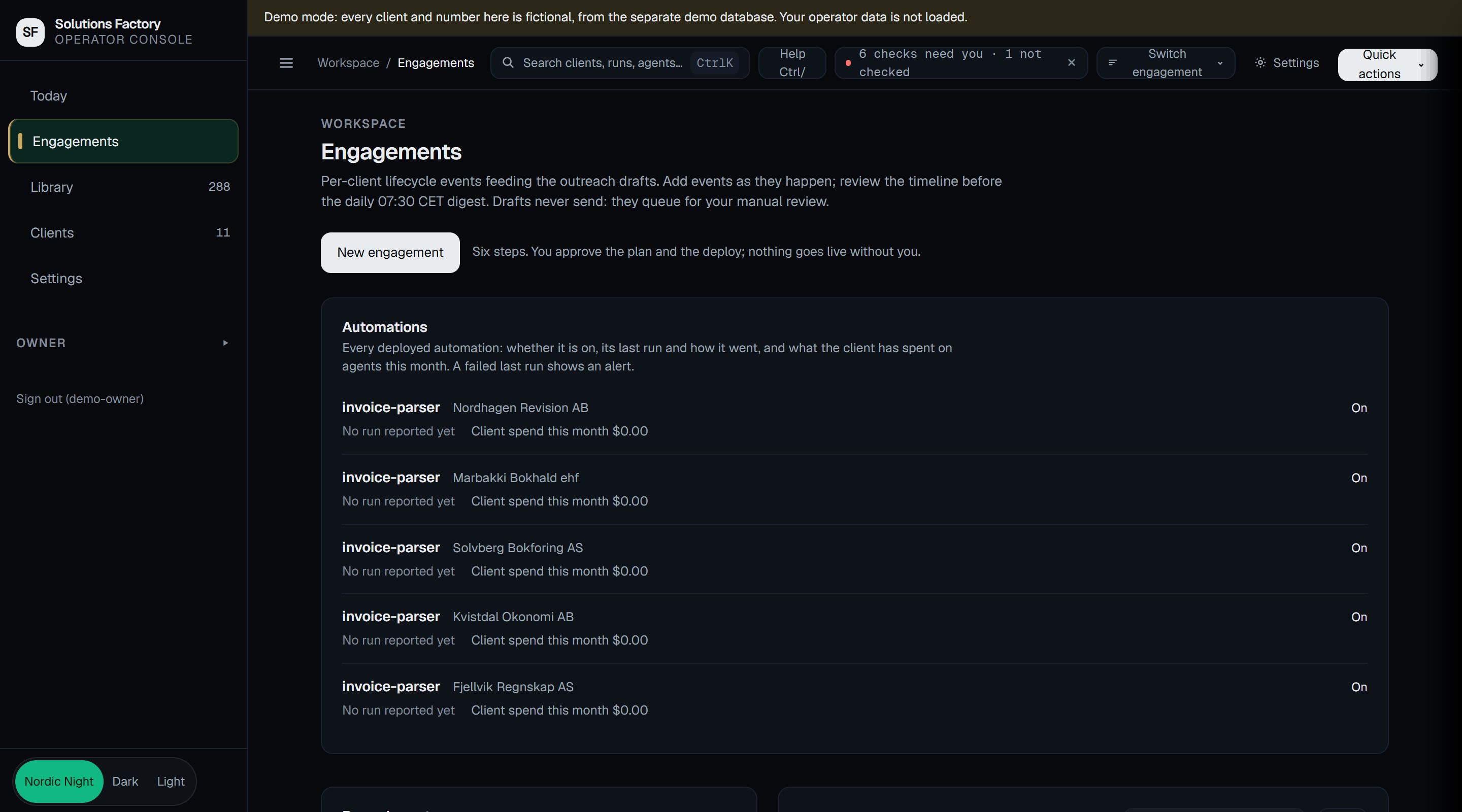
Step 2
Start a new one in six steps.
A short wizard takes you from who it is for to what gets deployed. You approve the plan and the deployment, and nothing goes live without you.
Console, new engagementDemo data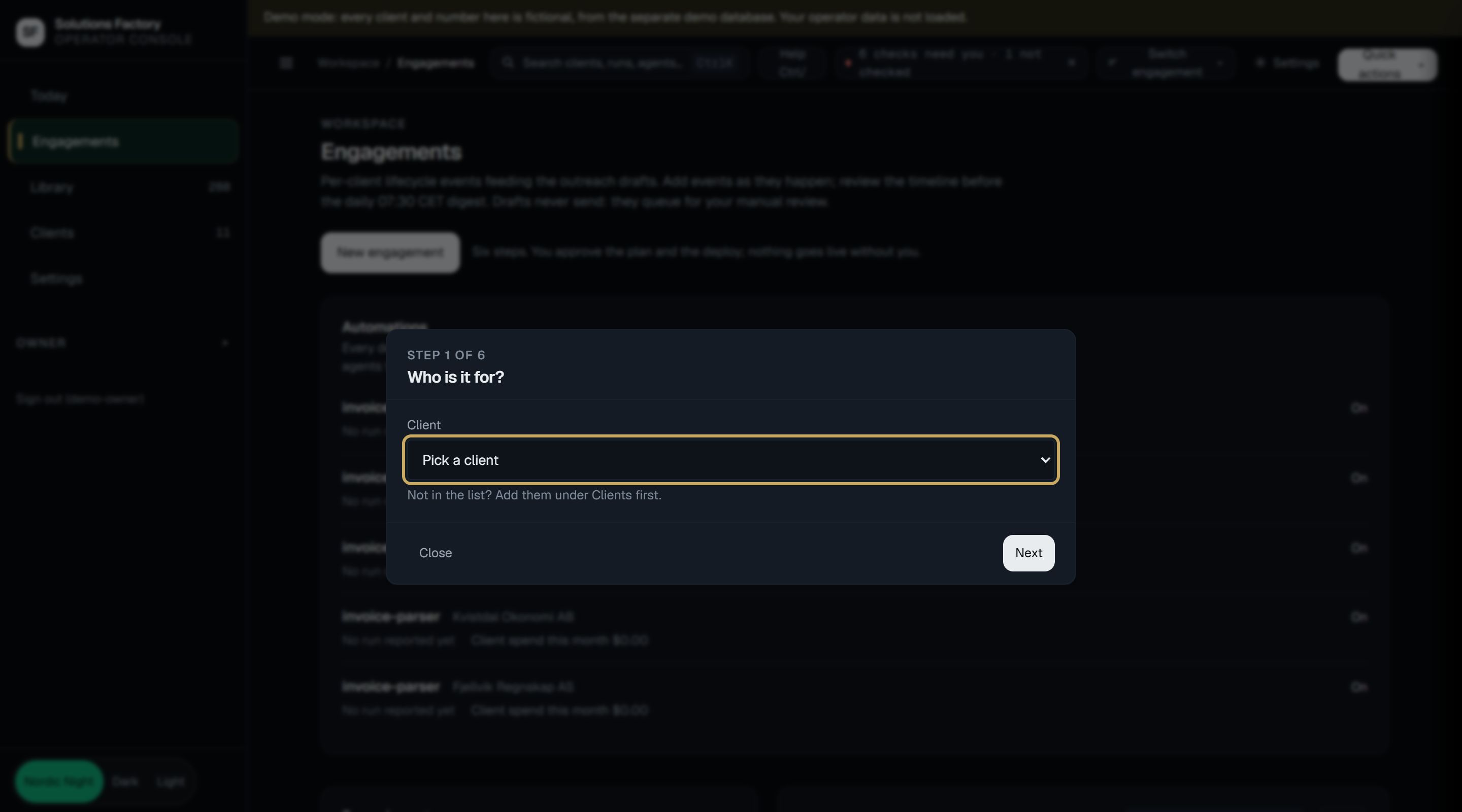
Step 3
Watch every app from one screen.
The overview shows each app the console looks after and what is held for you. You approve what goes out.
Console, overviewDemo data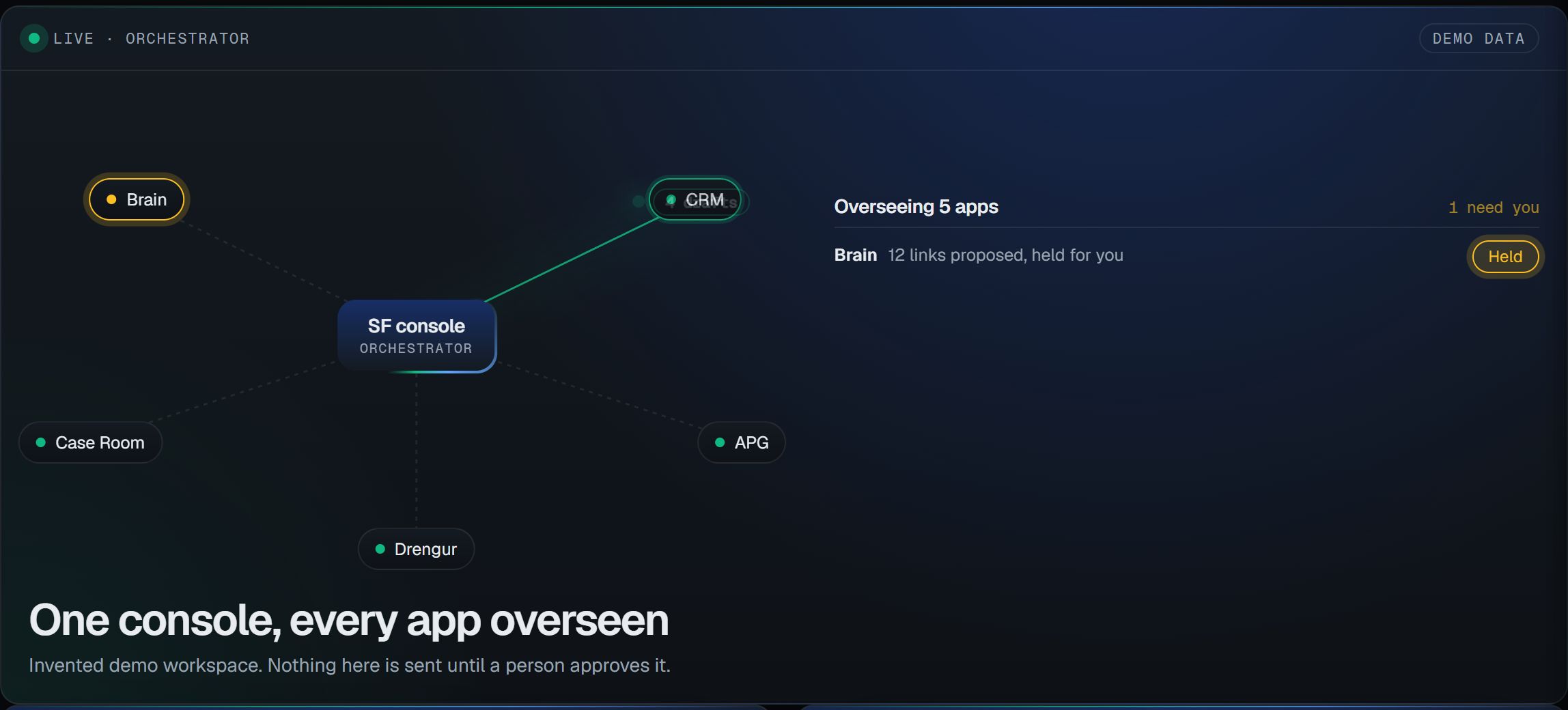
See it work.
The guided demo walks through a day in the console with made-up data.