Prepare your own case, on your own computer.
Case Room is for a person who needs justice and cannot afford a legal team. It helps you organize what you have and draft what you need to say. It does not give legal advice, and it does not replace a lawyer.
What it looks like
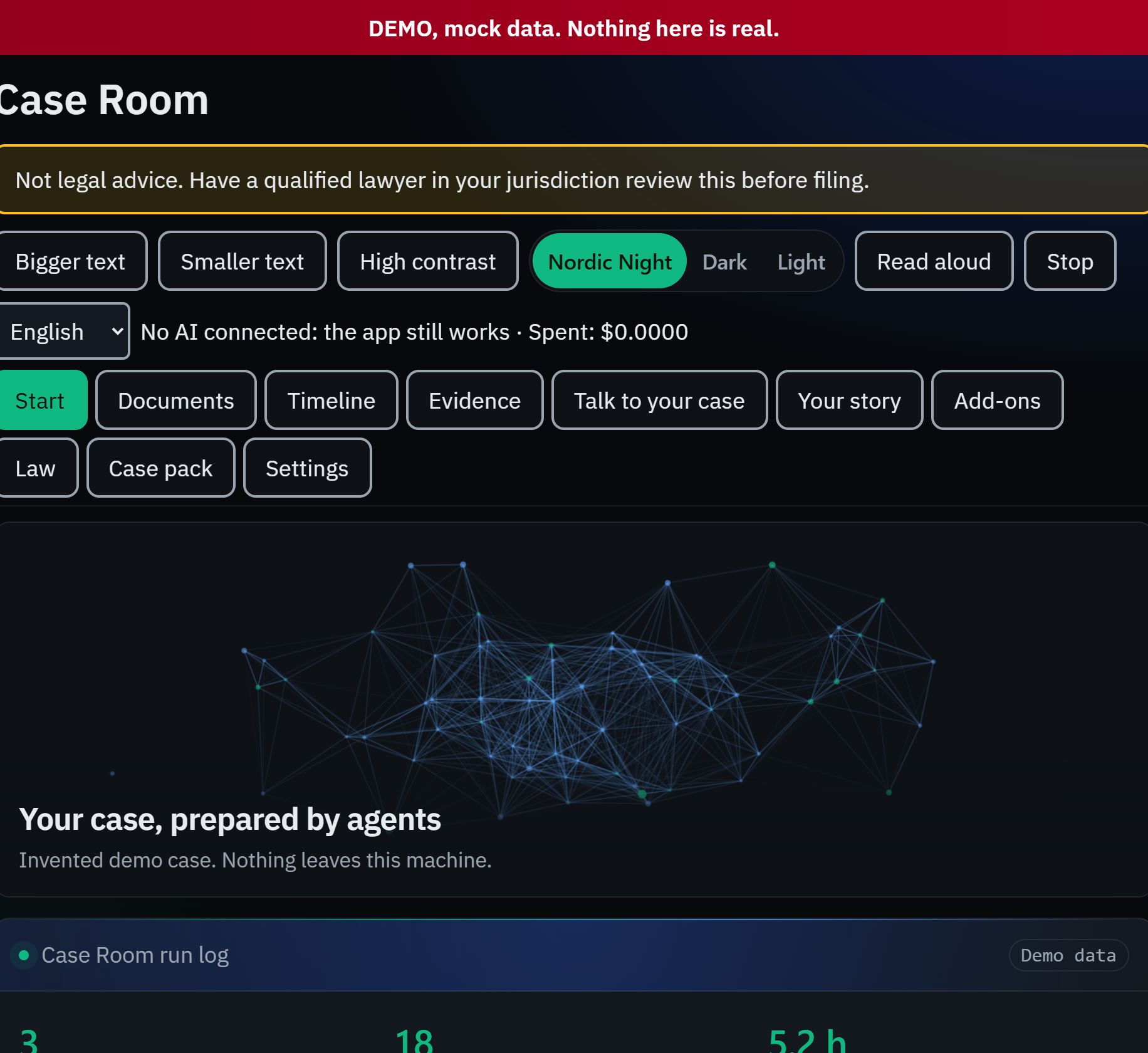
Preparing a case
From a pile of papers to a case pack.
Documents go in and a timeline comes out. Drafts follow the form your region expects, and you read every line before anything leaves.
- It reads your papers
- Letters, emails and notes are read on your own computer.
- It builds the timeline
- Every event carries the source it came from.
- It drafts
- In the form used where you are. It does not give legal advice.
- You read, sign and send
- It prepares. It never files anything.
Done: case pack ready for you to read
Done- Read your papers
- Build the timeline
- Check the rules
- Draft the statement
- You read and approve
- Case pack ready
How it works.
Step 1
It builds a timeline from your papers.
Documents go in and a timeline of what happened comes out, each line with the source it came from.
Case Room, timelineDemo data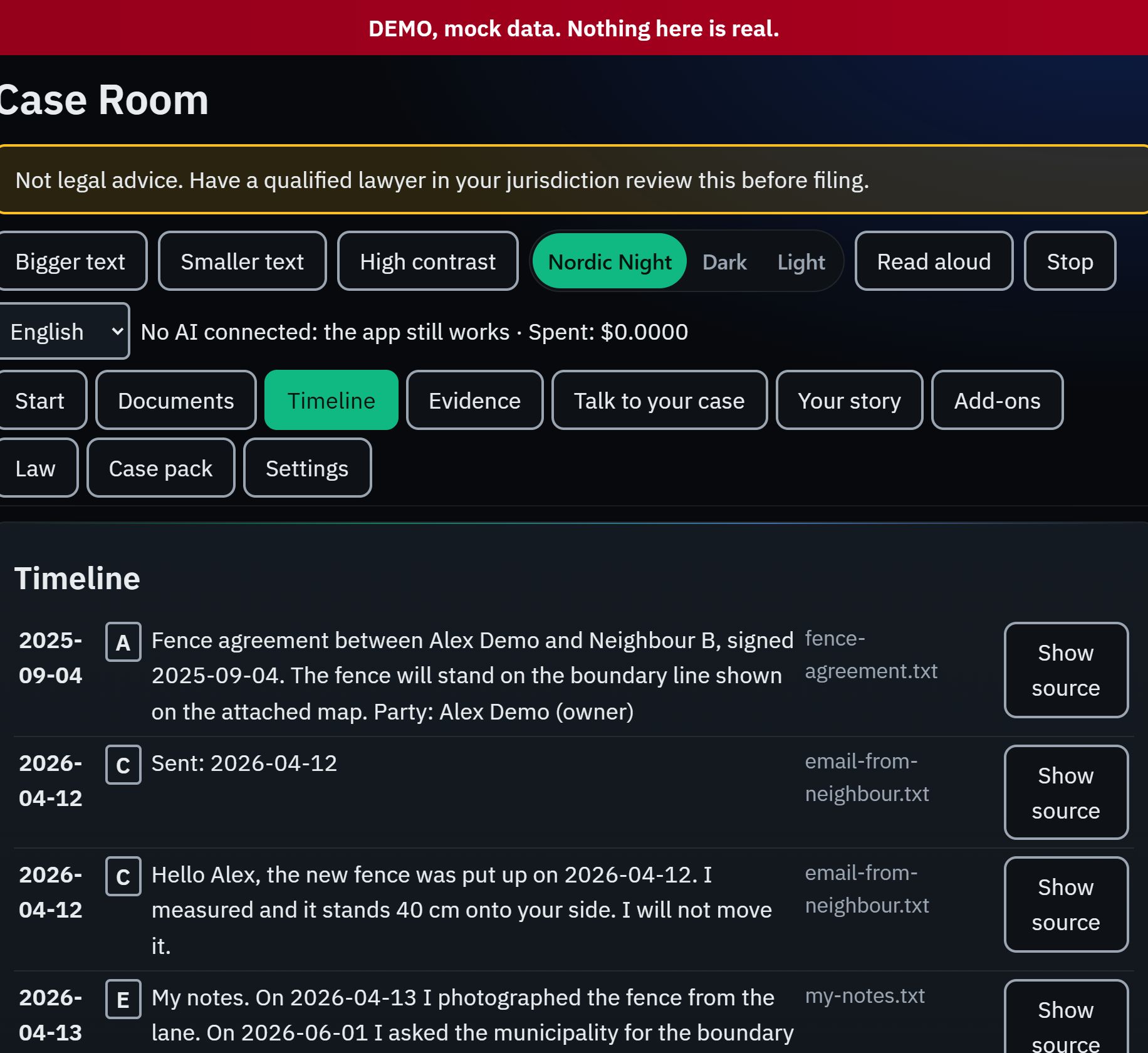
Step 2
Ask questions of your own case.
Answers quote your own documents. If your documents do not support a statement, it says so.
Case Room, talk to your caseDemo data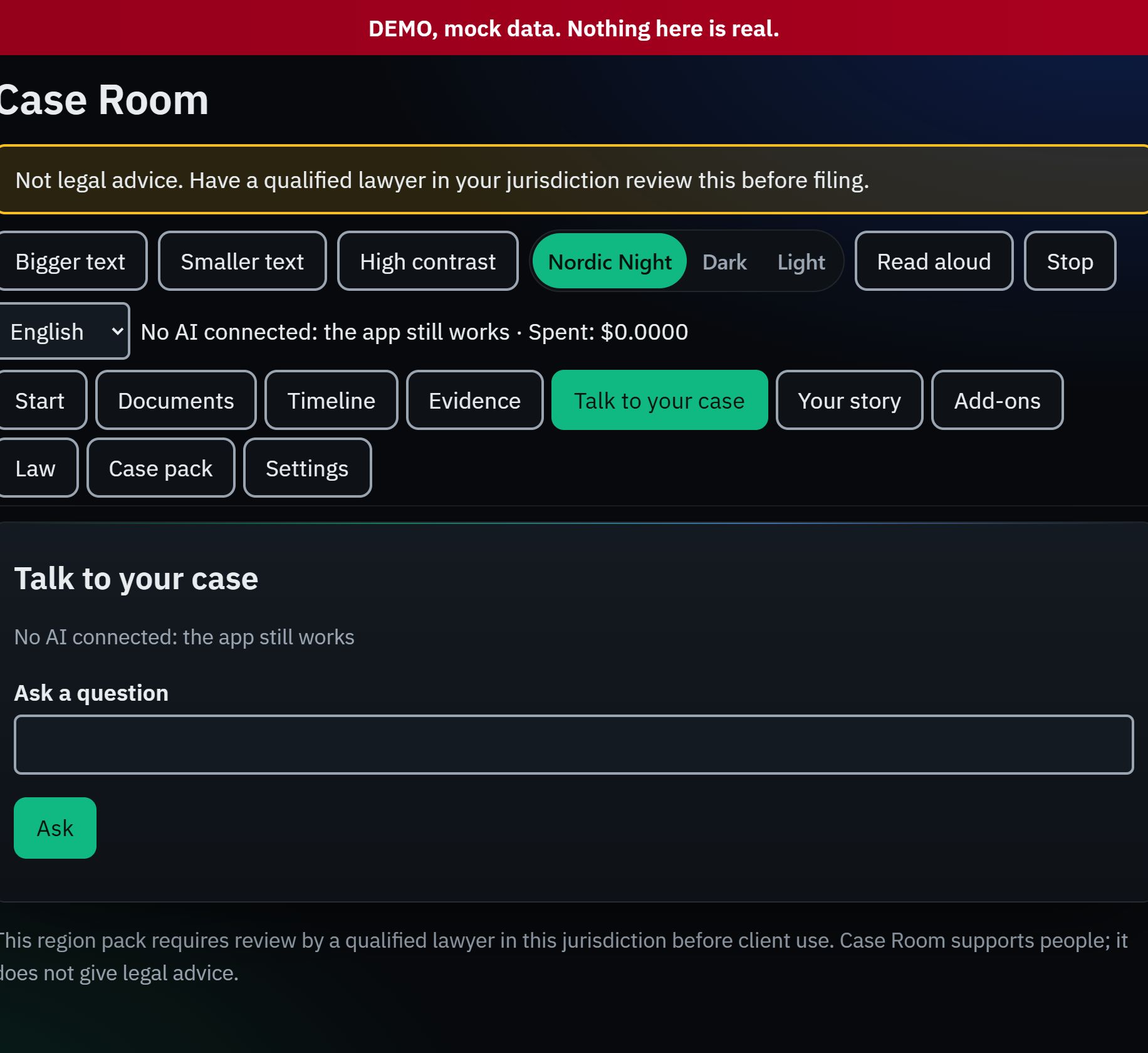
Step 3
Prepare the case pack.
Download a Word or PDF pack and a calendar of deadlines, each with the rule it comes from. It prepares. You read, sign and send.
Case Room, case packDemo data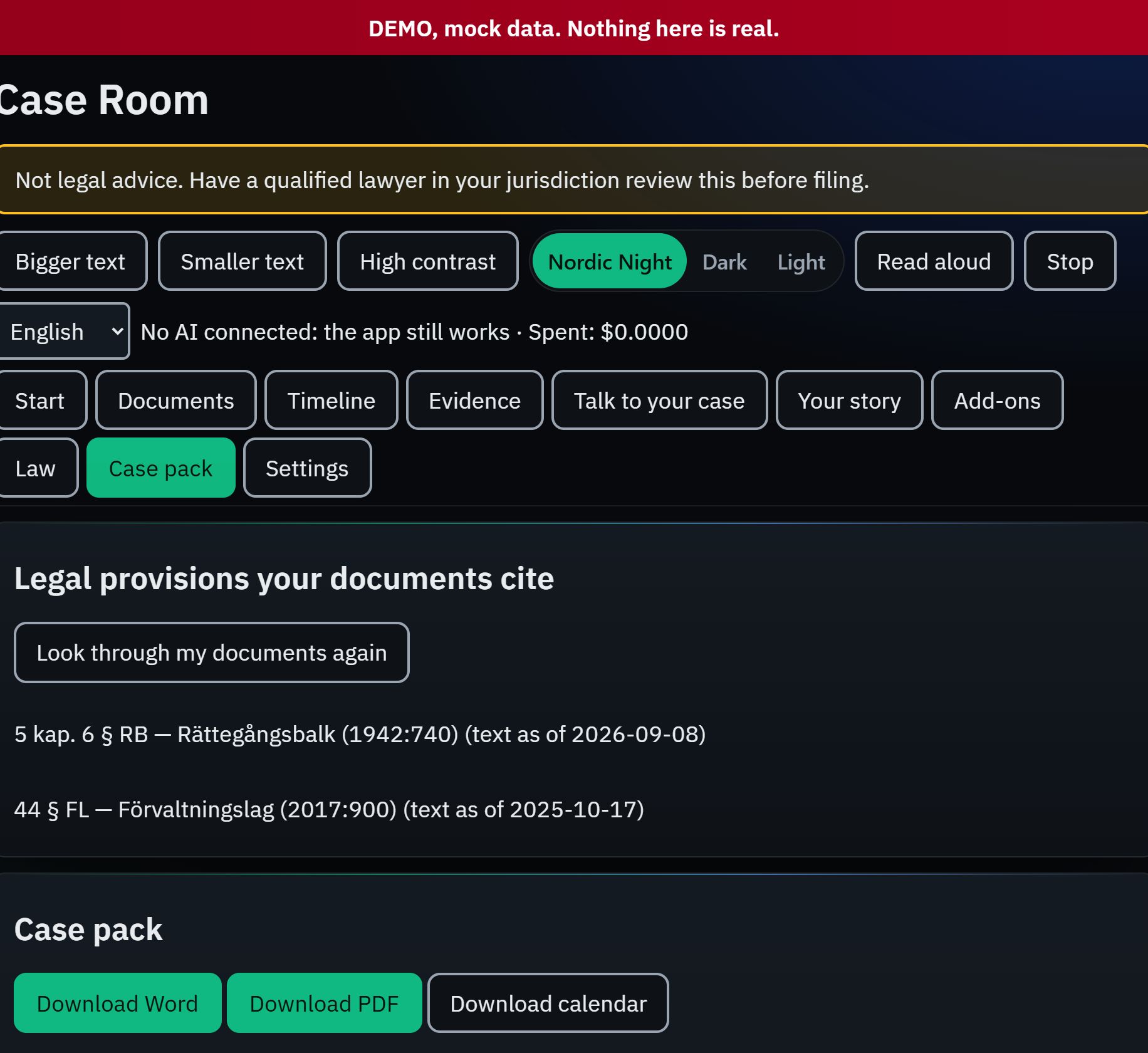
What it does for you.
Takes in what you have
Documents, emails and notes go in. It reads them and builds a timeline of what happened.
Drafts in the right form
You pick your region and language. Drafts follow the professional form used there, so you start from something a court or an agency expects.
Answers from your papers
When you ask a question, the answer quotes your own documents word for word. If your documents do not support a statement, it says so.
Never files anything
It prepares. You read, you decide, you sign, you send. Every export carries a notice that it is not legal advice.
Built for people under stress.
- Your case stays on your computer, in a database that is encrypted.
- You sign in with a passkey. There is no password to lose or leak.
- You bring your own AI key, or a model that runs on your machine. Your key is stored encrypted and never shown. It also works with no AI at all.
- A spending limit stops the AI before it costs you more than you set.
- Every legal rule shows where it comes from. A rule we could not check against the primary text is labelled UNVERIFIED.
Each region’s rules are marked as needing review by a qualified lawyer in that place until one signs them off, and every draft says so.
Price.
USD 49.99, paid once, with a 30-day refund. Add-on agents for specific jobs are USD 5.99 each, or all ten for USD 39.99. It is not released yet, so it cannot be bought today. How the law library stays current after you buy is not settled, and we will tell you before you pay, not after.
Your own AI key is billed by its provider, not by us. See all pricing.